Horse racing API for WordPress websites
Build a secure WordPress horse racing integration with server-side API calls, transient caching, escaped output and your own shortcode-driven pages.
Published 30 Oct 2026Updated 30 Oct 20267 min read
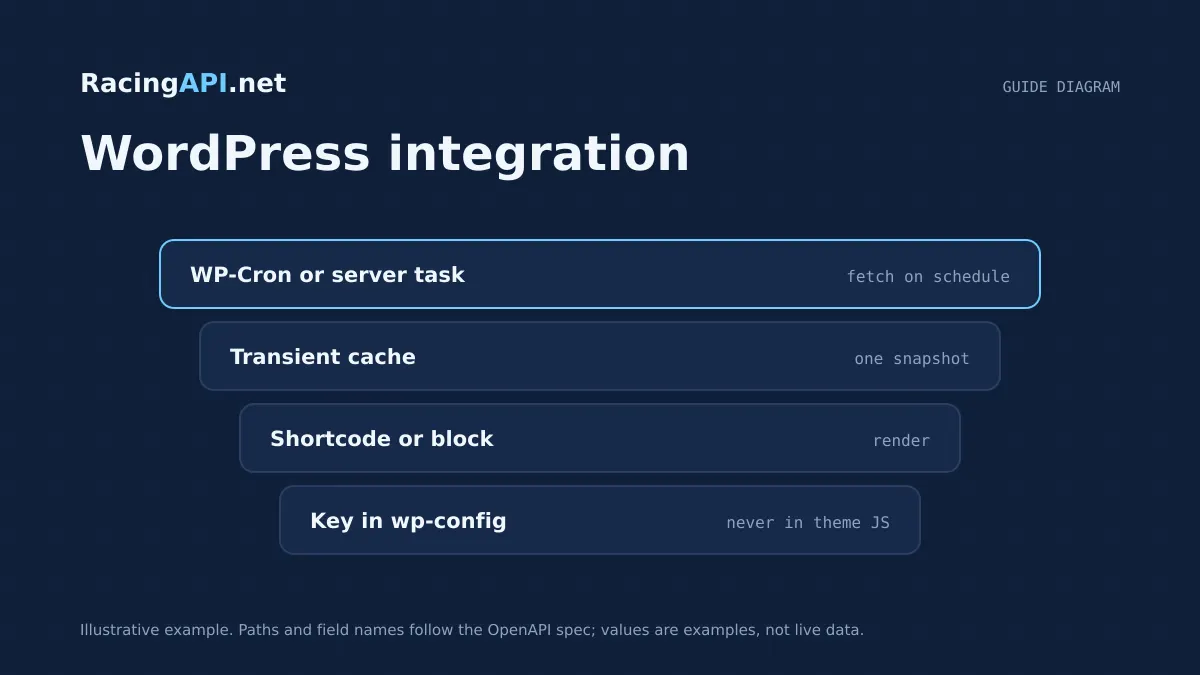
If you want horse racing data on a WordPress site, the safest pattern is a server-side integration that fetches RacingAPI.net data from PHP, stores the API key outside the browser, and renders the result through your own page or shortcode. That keeps credentials private and lets you control caching, formatting and access rules without exposing raw requests to visitors.
The practical goal is not to bolt on a ready-made plugin, but to build a small, maintainable theme or plugin layer around WordPress’s HTTP API. With that approach, you can display racecards, results, odds or weather on selected pages, keep requests within plan limits, and escape every field before output so the site remains reliable and predictable.
Try the documented request
Start with the combined UK and Ireland racecards. Reuse returned IDs and the selected feed date for related race, result, odds and runner requests.
# Set RACINGAPI_KEY on your server; use IDs returned by the feed.
# FEED_DATE must be YYYY-MM-DD in the feed context you want.
curl --fail-with-body --max-time 15 --get \
  "https://racingapi.net/v1/racecards" \
  -H "X-API-Key: ${RACINGAPI_KEY}" \
  --data-urlencode "region=uk" \
  --data-urlencode "date=${FEED_DATE}" \
  -H "Accept: application/json"
Run this on your server, not in public browser code. Replace the environment variables before running it. Respect the response cache headers and Retry-After; do not retry failed requests without a limit.
Choose the WordPress layer before you write code
Start by deciding whether the integration belongs in a small custom plugin or in theme functions. A plugin is usually the better choice because it survives theme changes and keeps racing logic separate from design. The plugin only needs a narrow responsibility: make authenticated requests to RacingAPI.net, cache responses, and provide shortcodes or template helpers for your pages.
Keep the browser out of the equation. Your site should call https://racingapi.net from PHP using the X-API-Key header on the server, never in JavaScript. That way the key stays server side and cannot be copied from page source or network tools. This is especially important if you expose racecards or results to logged-out visitors.
Plan the content model first. For example, you might create a racecards page, a results page and a course weather page, each backed by a shortcode with a small set of attributes such as region, date or race ID. Avoid trying to mirror every endpoint on day one; build only the pages your site genuinely needs.
- Use a custom plugin rather than a theme file when possible.
- Store the API key on the server only; do not print it into HTML or scripts.
- Design pages around specific use cases such as racecards, results or weather.
Fetch data with the WordPress HTTP API
WordPress already gives you a stable request layer, so there is no need for a third-party HTTP library. In your plugin, build requests with wp_remote_get or wp_remote_request, add the X-API-Key header, and check for transport errors before you try to decode the body. This keeps your code aligned with WordPress conventions and makes it easier to debug from standard logs.
Make the request path explicit and keep query parameters narrow. For example, a racecards page can call the relevant endpoint for the UK and Ireland feed, while a race page can call the selected race ID. Do not invent undocumented switches or assume fields that are not returned by the catalogue; instead, shape your output around the documented fields you receive.
Handle failure cleanly. If the request returns an error or a non-200 response, show a controlled fallback message on the page and avoid exposing raw API responses to visitors. That matters both for usability and for not leaking implementation details.
- Use wp_remote_get for server-side fetches.
- Send the API key in the X-API-Key header.
- Check transport errors and response codes before decoding JSON.
Protect secrets and enforce access rules
Treat the API key like any other server secret. Store it in wp-config.php, an environment variable, or another server-only configuration source, then read it inside your plugin. Do not save it in post content, expose it in admin notices, or make it available to front-end scripts. If you support multiple administrators, keep the secret management flow simple and limited to trusted users.
If your pages are public, the server-side approach still helps because users only see rendered output, not credentials or raw request URLs. If a page is restricted to members, apply WordPress capability checks before rendering the shortcode content. The data source is private, but your access controls should be explicit as well.
Be careful with account-level limits. RacingAPI.net applies quotas and rate limits across all keys on the account, with monthly usage resetting in UTC. A WordPress site with several racing widgets should therefore share a single caching layer instead of making repeated calls for the same page view or the same race.
- Keep secrets in server-only configuration, not in the database or HTML.
- Use WordPress capability checks if some racing pages should be restricted.
- Assume usage is aggregated across all keys on the account.
Cache responses with transients and sensible expiry
For WordPress, transients are usually the simplest caching layer. Store the decoded API response for a short period, keyed by the endpoint and parameters you used, then serve that cached value to later page views. This reduces repeat requests and keeps the page responsive, especially on archive pages or widgets that may be viewed many times in a short period.
Choose expiry times according to the type of racing data. Racecards and odds change more often than course details, while historical result pages can usually be cached for longer. The right cache window is a practical decision, not a fixed rule, so base it on how often you need freshness versus how much request volume you want to save.
Do not cache private or user-specific information in a shared way. MDN’s caching guidance is relevant here: if a response is personalised, it should not leak through shared caches. A transient keyed to a public race ID is fine; a transient tied to an individual user’s permissions or session usually is not.
- Use transients for decoded JSON, not just raw response strings.
- Key caches by endpoint plus relevant parameters.
- Avoid shared caching of personalised or permission-specific output.
Render through shortcodes and escape every field
A shortcode is a practical way to place racing content inside posts, pages or widgets without building custom templates for every layout. Your shortcode callback should fetch or read cached data, transform it into a small array of fields, and then print only the labels and values you actually want on the page. Keep the presentation layer narrow so the shortcode remains easy to maintain.
Escape all output as you render it. Use the appropriate WordPress escaping functions for text, attributes and URLs, and never print API values directly into HTML. This is especially important for horse names, course names, odds strings and any descriptive text, because the site should treat external data as untrusted even when it comes from a reputable feed.
Use the same discipline in tables, cards and JSON-LD snippets if you add them later. The rendering rule is simple: fetch server side, cache server side, and escape at the final output stage. That gives you a safer integration and makes future design changes less risky.
- Create a shortcode rather than hard-wiring racing data into template files.
- Escape text, attributes and URLs before output.
- Never trust external API values to be safe HTML.
Operate within plan limits and freshness expectations
Your WordPress integration should match the plan you actually use. Developer includes 10,000 requests per calendar month at 2 requests per second, Professional includes 100,000 requests per calendar month at 5 requests per second, and Enterprise includes unlimited monthly requests at 10 requests per second plus live support and the Enterprise-only MCP and tips features. None of that removes the need for caching; it simply changes how much headroom you have.
Remember that the quota resets monthly in UTC and is shared across keys. If you publish several pages that all call the same feed, your transient strategy matters more than the raw number of widgets. Build once, reuse often, and avoid refreshing the same race data on every page load.
For forecast weather, keep the separation clear. RacingAPI.net supplies course-location weather forecasts, which are distinct from official going. Retain the attribution and related metadata returned with the forecast, and treat it as a data source that complements, rather than replaces, the racing feed.
- Match cache strategy to your subscription quota and rate limit.
- Assume monthly usage is counted across the account in UTC.
- Keep forecast weather separate from official going in the UI.
Key takeaways
- Use a custom server-side WordPress plugin with the X-API-Key header, not a browser-side integration.
- Cache public RacingAPI.net responses with transients and tune expiry to the data type and plan limits.
- Build your own shortcode-driven pages and escape every field at output time.
Request-budget planner
Estimate calls from one shared server-side poller. Browser visitors should read your cache, not the API.
- Calls per day
- 1,800
- Calls per month
- 54,000
- Average rate
- 0.05 req/s
An estimate only. The average rate applies during active hours, not to bursts: space requests evenly to respect your per-second limit. Inputs are bounded to 1–86,400 seconds, 0–24 hours, 0–100 endpoints and 0–31 days. This excludes retries, detail fetches and other workers, and does not imply data freshness or plan entitlement. Compare allowances on the pricing page.
Frequently asked questions
Should I build a WordPress plugin or just add code to my theme?
A small custom plugin is usually the cleaner option because it keeps the RacingAPI.net integration independent from the design. That makes it easier to reuse shortcodes, update caching logic and preserve the integration if you later switch themes.
Can I call RacingAPI.net from JavaScript in the browser?
For a production WordPress site, no. The API key should stay server side and requests should be made with PHP through WordPress’s HTTP API. That prevents visitors from seeing credentials and gives you a controlled place to cache and sanitise responses.
How should I cache racing data in WordPress?
Use transients keyed by endpoint and parameters, then set different expiry windows for data that changes at different speeds. Public racecards, odds and results can be cached separately, and you should avoid shared caching for anything personalised or permission-specific.
What is the safest way to output race data on a page?
Render the data through a shortcode or template helper, then escape every field before printing it. Use the correct escaping function for text, attributes and URLs, and only display the fields you actually need rather than passing through the raw API response.
Sources and references
External references for background only; they do not endorse RacingAPI.net.
Related guides
All guides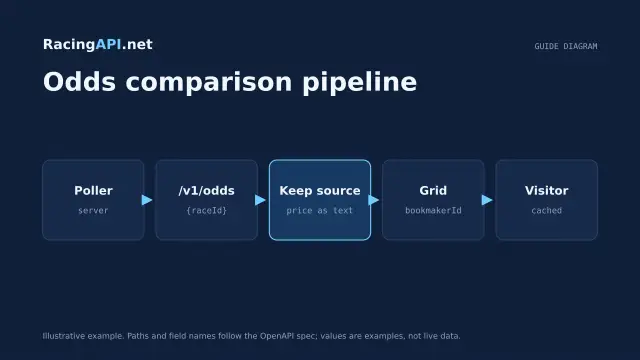 Website guides
How to build a horse racing odds comparison
A practical guide to structuring per-runner odds grids, labelling bookmakers, sorting observed prices, and updating shared snapshots with RacingAPI.net.
 Website guides
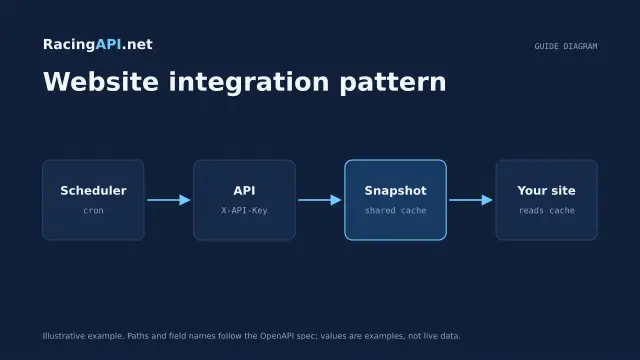
How to integrate a horse racing API into your website
Build a secure horse-racing website integration with RacingAPI.net: backend requests, cached page models, clear UI states, deployment checks and usage controls.
 AI & integrations
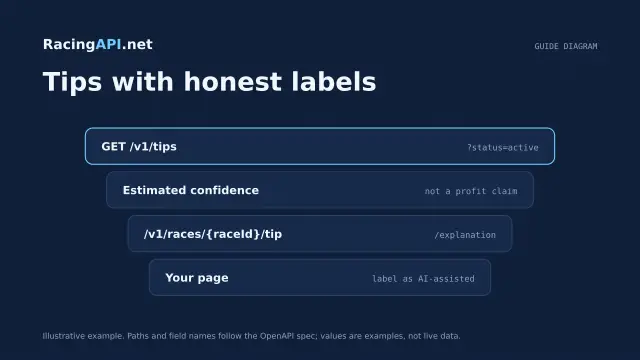
AI horse racing tips API: selections for your website
Build a website layer around Enterprise saved horse racing selections, with odds, confidence, EV, bet type and two-sentence explanations.