Horse racing racecards API: building a race-day page
Build a race-day page with meeting, race and runner data, careful declaration handling, and reliable detail fetching from RacingAPI.net.
Published 30 Oct 2026Updated 30 Oct 20267 min read
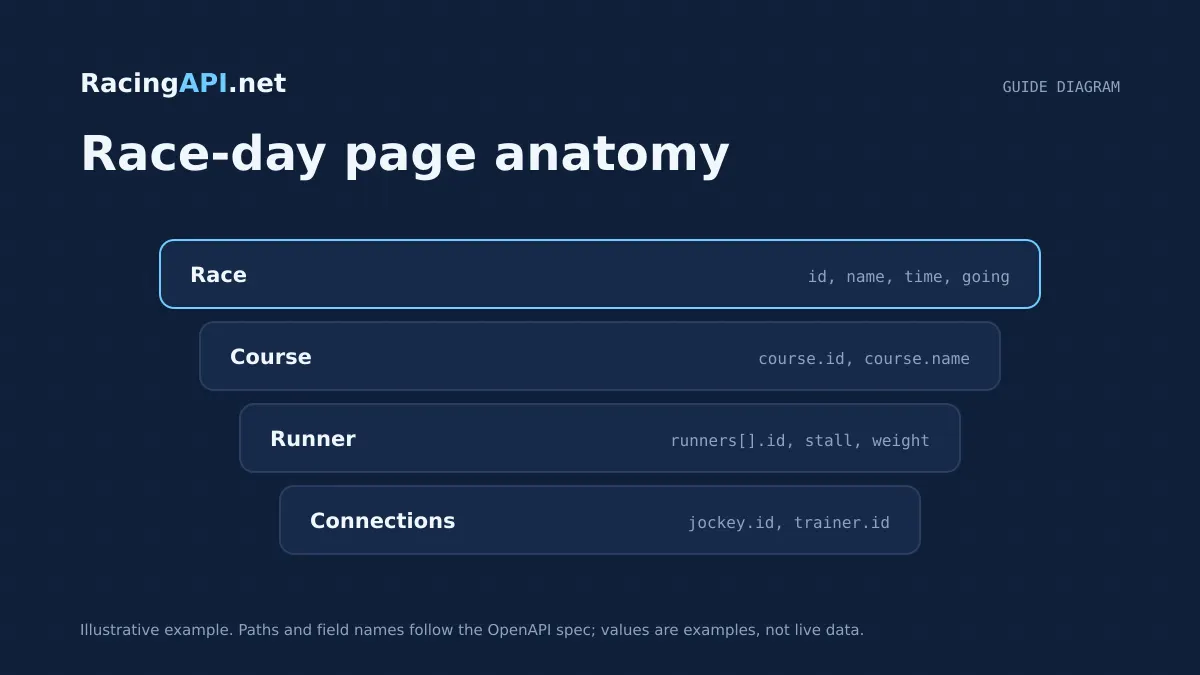
A race-day page works best when it mirrors how people actually browse racing: first the meeting, then each race, then the declared runners and any late changes. With RacingAPI.net, that flow can be built from the daily region feed rather than stitched together from unrelated lookups. The key is to treat the racecard as a live structure, not a static list.
This guide focuses on the practical pieces that make a race-day interface dependable: showing meetings and race details, handling runner declarations and non-runners, presenting distance and going clearly, and fetching deeper race or runner data only when the user needs it. It also covers an important modelling rule: do not assume a runner number is the same thing as a horse ID.
Try the documented request
Start with the combined UK and Ireland racecards. Reuse returned IDs and the selected feed date for related race, result, odds and runner requests.
# Set RACINGAPI_KEY on your server; use IDs returned by the feed.
# FEED_DATE must be YYYY-MM-DD in the feed context you want.
curl --fail-with-body --max-time 15 --get \
  "https://racingapi.net/v1/racecards" \
  -H "X-API-Key: ${RACINGAPI_KEY}" \
  --data-urlencode "region=uk" \
  --data-urlencode "date=${FEED_DATE}" \
  -H "Accept: application/json"
Run this on your server, not in public browser code. Replace the environment variables before running it. Respect the response cache headers and Retry-After; do not retry failed requests without a limit.
Start with the daily meeting feed
For a race-day page, the safest starting point is the daily racecards feed for the UK and Ireland region. That feed gives you the meeting-level structure you need to build the page hierarchy: course, date, time, distance, going and the runners attached to each race. Because region=uk covers both countries, you only need one regional selector for the combined card.
Use the feed to render the landing view before any user interaction. A useful pattern is to group by course, then sort races by off-time, then present a compact summary for each race. That lets the page load quickly and gives the user a clear route to the information they actually want. The feed is enough for the overview, but it is not a substitute for race-specific or runner-specific detail when you need fuller data.
- Show meeting name, race time, distance and going together so the card reads like a race-day sheet.
- Keep the feed response as the source of truth for the initial page structure.
- Use racecard data to populate the race list, but fetch race detail separately when a user opens an individual race.
Model races and runners separately
The biggest implementation mistake is to treat each runner as if its number were a stable identifier. In racecards, a runner number is a presentation value for the race, not a database key. Scratches, late declarations and field reshuffles can change how numbers appear while the underlying runner identity remains different. Build your UI data model around the race and the runner record returned by the API, not around the saddle cloth number alone.
When a user drills into a race, fetch the race detail endpoint for that race ID. That gives you the declared runners associated with that race and lets you keep the overview and the drill-down in sync. On the page, use the race object for the header and the runner objects for the list. If you need a horse-specific view, then use the horse endpoint or horse-form endpoint with the horse ID from the declared runner record, not the visible number from the race card.
- Use race ID as the primary key for race-level navigation.
- Use horse ID when linking to horse profiles or horse form pages.
- Treat visible runner numbers as display data only.
Show declarations and non-runners clearly
A race-day page is most useful when it reflects what is declared now, not what was listed yesterday. RacingAPI.net racecard data is centred on declared runners, which makes it suitable for a live race-day view. If a runner is removed or the race composition changes, the updated feed should be the basis for what the user sees. Avoid storing stale copies in a way that leaves the page looking authoritative when it is not.
For the front end, the best pattern is to separate the race header from the runner status. If a runner is absent from the latest race detail, do not leave it in the visible list just because it appeared earlier in the session. If you keep cached data locally, make sure the current race detail replaces the old runner list rather than merging into it blindly. That matters especially on busy race days, where declarations can change after the page first loads.
- Refresh the selected race view from the race detail endpoint when the user opens it.
- Replace old runner lists rather than appending to them.
- Make the UI reflect the latest declared field, not a historical snapshot.
Present distance, going and course context
Users scan racecards for a few core details before reading anything else: distance, going and the course itself. These should be visible in the meeting summary and repeated in the race detail header. The racecard feed includes the fields needed for that summary, so you can keep the design compact without forcing the user into the detail view for basic context.
Keep the presentation consistent across the meeting list and the race page. If the card shows distance in one format in the overview and another format in the detail view, it becomes harder to compare races quickly. The same applies to going. The feed gives you the official racecard context, and that should stay distinct from any weather data you choose to surface elsewhere. If you add course weather, treat it as separate forecast context rather than a replacement for official going.
- Repeat distance and going in both the meeting list and the race header.
- Keep racecourse context close to the runners so the user can judge the race at a glance.
- Do not mix forecast weather and official going into one undifferentiated field.
Fetch detail views on demand
A race-day page usually feels better when the initial load is light and deeper data appears only when requested. Load the meeting feed first, then request the individual race detail when a user expands or selects a race. That keeps the overview fast and avoids fetching horse-specific information for every runner before anyone has asked for it.
Once the user opens a runner, fetch the horse profile or horse form endpoint using the horse ID from the runner record. This is the point where you can show the runner’s name, rating or supplied form summary if available in the daily feed. Keep the data boundary clear: race detail for the race, horse profile for the horse, horse form for the contextual daily summary. That separation makes the page easier to cache, easier to test and easier to debug when a field changes.
- Initial render: meeting feed only.
- Race expand: race detail by race ID.
- Runner expand: horse profile or horse form by horse ID.
Design for caching and rate limits
Race-day pages are read-heavy, so it makes sense to cache deliberately. Store the meeting feed and race detail responses long enough to reduce repeat requests, but do not let shared caches leak one user’s personalised view into another user’s session. Public racecard content can be reused safely when it is genuinely the same for everyone, but any page state that depends on a user’s selections should stay out of shared caching.
Plan for incremental refresh rather than constant polling. RacingAPI.net plans have clear request quotas and per-second limits, and those limits apply across keys on the account. If a request returns a rate-limit response, respect the Retry-After header rather than hammering the endpoint. That keeps the race-day page predictable during busy periods and prevents unnecessary retries when the feed is already under load from your own interface.
- Cache static racecard views sensibly, but separate them from personal UI state.
- Use the retry delay signalled by the server after a 429 response.
- Keep the refresh cadence moderate; do not build a page that assumes constant reloading.
Key takeaways
- Build the race-day page around the daily meeting feed, then layer race and runner detail on demand.
- Treat race IDs and horse IDs as the real navigation keys; never rely on runner numbers as identifiers.
- Keep declarations, non-runners, distance, going and course context aligned with the latest feed response.
Feed-family explorer
What each family covers, with links to the documentation that defines it. Plan availability is listed on the pricing page.
Racecards
All plans- UK and Irish meetings, races and declared runners
- Supplied identifiers for joining detail requests
- Going, distance and race context as supplied
Frequently asked questions
Should I build the page from one racecards request or multiple requests?
Use the daily meeting feed for the first render, then fetch race detail only when the user selects a race. That keeps the main page fast while still giving you the fuller runner list and race-specific context on demand. Save the horse-level requests for the runner view.
Can I use runner numbers as stable IDs in my front end?
No. Runner numbers are display data for the race, not permanent identifiers. A horse ID or race ID should be the basis for navigation and data loading. If you rely on the number alone, changes to declarations or late removals can break the page structure.
How should I handle non-runners in the UI?
Always render the current declared field from the latest race detail rather than preserving an earlier list. If your interface caches data, replace the runner array for that race when you refresh it. That prevents removed runners from lingering in the visible card.
Where should distance and going appear on a race-day page?
Show them in the meeting summary and repeat them in the race header. Users often decide whether to open a race based on those two fields alone. Keeping them consistent across the overview and detail view improves scanning speed and reduces confusion.
Related guides
All guides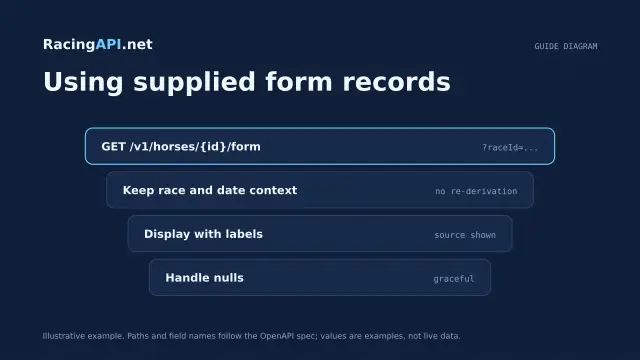 Racing data
Horse form and statistics API: using supplied records
Learn how to read RacingAPI.net horse form and statistics as supplied daily-feed summaries, with sensible handling of missing values, sample size and regional context.
 Racing data
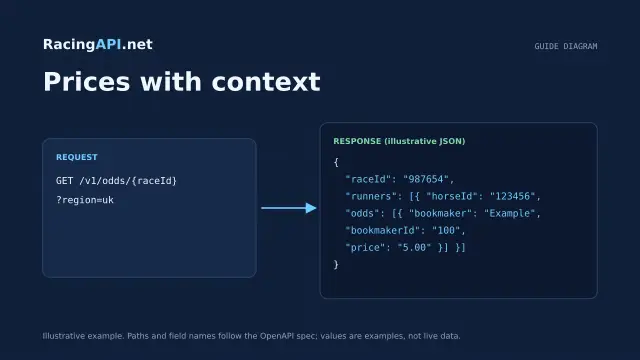
Horse racing odds API: prices with context
Learn how RacingAPI.net delivers observed horse racing odds with timestamps, price formats, missing-price handling and useful context for own-site comparison.
 Racing data
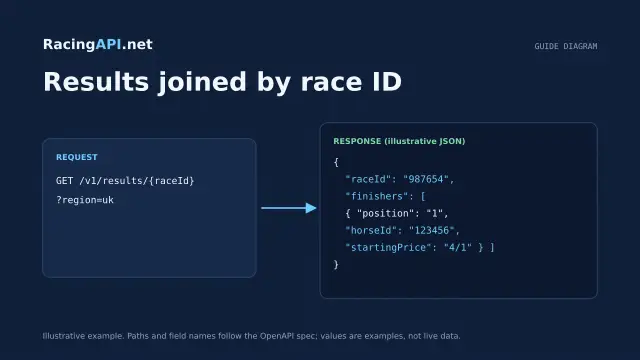
Horse racing results API: displaying race outcomes
Learn how to join racing results to racecards, handle corrected placings and incomplete data, and keep results separate from tips and settlement logic.