Horse racing results API: displaying race outcomes
Learn how to join racing results to racecards, handle corrected placings and incomplete data, and keep results separate from tips and settlement logic.
Published 30 Oct 2026Updated 30 Oct 20267 min read
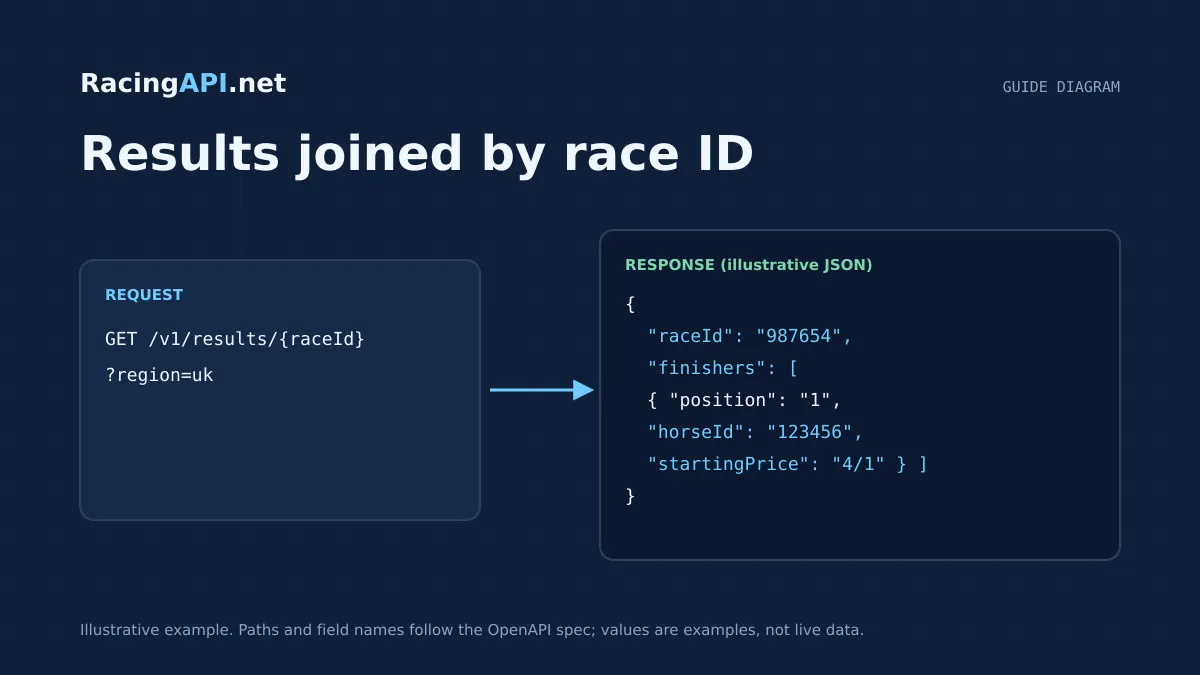
Displaying race outcomes cleanly is less about drawing a table and more about joining the right records at the right time. With RacingAPI.net, the results feed gives you finishing positions and related result details, while the racecards feed gives you the declared runners you need to label each row, keep ordering stable, and explain what happened when a race is partial or later corrected.
The main implementation challenge is distinguishing official result data from anything predictive or settlement-related. A result tells you what finished where, what price was recorded, and which fields were available at the time. A tip tells you a selection and explanation for a race. They can refer to the same race ID, but they should be treated as separate products in your application.
Try the documented request
Carry the racecard's feed date into the result lookup. Preserve the returned finishing positions and starting prices rather than matching by horse name.
# Set RACINGAPI_KEY on your server; use IDs returned by the feed.
# FEED_DATE must be YYYY-MM-DD in the feed context you want.
curl --fail-with-body --max-time 15 --get \
  "https://racingapi.net/v1/results/${RACE_ID}" \
  -H "X-API-Key: ${RACINGAPI_KEY}" \
  --data-urlencode "region=uk" \
  --data-urlencode "date=${FEED_DATE}" \
  -H "Accept: application/json"
Run this on your server, not in public browser code. Replace the environment variables before running it. Respect the response cache headers and Retry-After; do not retry failed requests without a limit.
Start from the racecard, not the results table
For a results screen that feels complete, begin with the racecard feed and treat it as the structural source for the race. The racecard supplies the race ID, course, date, time, distance, going and declared runners. That lets you build the page shell before results are available, and it gives you a stable way to match each finisher back to a known runner.
This matters because the results feed is outcome-centric. It gives you finishing positions and related fields, but it is not a full page model for the race. If you start with results alone, you may end up with a list of finishers that lacks the declared runners who did not complete, were withdrawn, or were otherwise absent from the finishing order.
A practical approach is to load racecards by region and date, then fetch the individual race details when the user opens a race. Once results are available, join on race ID. That preserves the declared field and lets you display every runner consistently, whether the horse finished, was pulled up, fell, or is simply missing from the finishers list.
- Use racecard race IDs as the primary join key.
- Keep the declared runners list even after results arrive.
- Render the result as an update to the racecard, not a replacement for it.
Join results to runners by race ID and horse ID
The result feed exposes race-level and runner-level outcome data. In the published fields, the race result endpoint returns finishers and wagers, while the broader results endpoint returns records with raceId, position, horseId, startingPrice, time and distance. That means your display logic should join on raceId first, then align each finisher with the declared runner list using horseId where present.
When a horse appears in both the racecard and the results feed, you can enrich the row with the runner name, number and other racecard attributes. If a result record includes horseId but your cached racecard entry is stale, refresh the racecard before rendering the final view. This avoids showing an outdated runner name or missing a late substitution.
Keep the join logic tolerant of partial matches. Some result records may be present before your local cache is refreshed, and some runner-level fields may be absent. Your interface should still display the position, starting price and any returned timing or distance information without requiring every racecard attribute to exist first.
- Primary join: raceId.
- Secondary join: horseId against the declared runner list.
- If horseId is missing or unmatched, show the result row with the supplied identifiers and mark the runner mapping as unresolved.
Show positions and starting prices exactly as supplied
Users reading a results page expect the official order to be obvious. Display the position field directly and avoid inventing secondary ranking rules from racecard order or bookmaker prices. If a result row contains a starting price, show it as returned. RacingAPI.net preserves source price strings, which is important because price format can vary and should not be normalised into a guessed decimal or fractional representation unless you do that explicitly in your own presentation layer.
Do not assume every runner will have the same supporting data. Some rows will include startingPrice, some may include time or distance, and some may omit fields depending on the available result details. A robust table shows the shared core first: finishing position, runner name, and starting price where present.
If you display price movement elsewhere on your site, keep the result price distinct from any live odds. The race odds feed reflects observed bookmaker prices in the live feed, while the results feed records the starting price associated with the completed race. Those are related facts, but they answer different questions.
- Position should be shown as a race outcome, not inferred.
- Starting price should be displayed in the source format supplied.
- Keep live odds and result prices in separate UI components.
Design for result corrections and late updates
A results screen should expect corrections. Race outcomes can be updated after the first version of the page is rendered, so your application should treat result records as mutable within a short operational window. The safest pattern is to refresh the race result endpoint when the user opens the page, and then refresh again on a sensible schedule while the event is still live or shortly after it finishes.
When a correction arrives, replace the affected race result record rather than appending a second version of the same finish. If your system stores history, keep an audit trail internally, but only the latest official outcome should drive the visible table. This keeps placings, non-runners, dead-heats or amended fields from being shown twice.
The important product boundary is that the results feed is the source of outcome data, not a settlement engine. If a correction changes a placing, your display updates because the result changed. You should not try to infer that update from a tip or from a bookmaker price change.
- Treat the latest fetched result as authoritative for display.
- Avoid duplicate rows when an amended result replaces an older one.
- Keep internal history separate from the public-facing race outcome.
Represent incomplete or partial results without confusion
Not every race result arrives as a fully populated final table at the same moment. Some races may have finishers returned before all related details are present, and some result screens may be opened before the final official set is complete. Your interface should distinguish between a complete race result and a partial one instead of pretending both are the same.
A useful pattern is to render a status line based on what the endpoint returns. If finishers are present, show those positions immediately. If some runners from the racecard are not represented in the result set yet, leave them in the declared field section or show them as not yet placed, depending on your product design. That makes the page honest about what is known and what is still pending.
This is especially important for exported or cached views. If you store result snapshots, label them with the fetch time so users can tell whether they are looking at a near-live intermediate state or the final official result. That also helps support teams explain apparent mismatches between a racecard and a result page.
- Do not force incomplete results into a final-looking table.
- Keep declared runners visible when the finishers list is partial.
- Timestamp cached snapshots so users can see when the page was last refreshed.
Separate result display from tip settlement logic
One of the most common implementation mistakes is to mix a race result with a tip outcome. On RacingAPI.net, tips are Enterprise-only live AI-assisted selections with saved explanations, and they are not the same thing as results. A tip tells you what was selected before the race; a result tells you what actually happened after the race.
If your product displays both, use different labels, data models and status states. A tip can be unresolved, selected, or explained. A result can be partial, final, or corrected. Settlement logic in your application should therefore read the race outcome first, then evaluate whether a stored tip would have won or placed according to your own rules.
That distinction matters for user trust. If you show a tip alongside a result, make it obvious that the selection was generated ahead of time and that the result is the official finish order. Never present a tip as if it were a verified outcome, and never use a result row to rewrite the tip history after the fact.
- Use separate IDs and status labels for tips and results.
- Let result data drive settlement calculations, not the other way around.
- Preserve the original tip record exactly as issued.
Key takeaways
- Use racecards to build the runner list, then join results by race ID and horse ID.
- Show positions and starting prices exactly as returned, and refresh when corrections appear.
- Keep race results distinct from tips so your settlement logic never overwrites the original selection.
Integration checklist
0/10 completeFrequently asked questions
Which endpoint should I call first when building a results page?
Start with the racecards feed so you have the declared runners, course, date and race ID. Then fetch the results for the same race ID and join the outcome rows back to the declared field. That gives you a stable page structure before the final positions arrive.
How should I match a finisher to the correct runner?
Join on race ID first, then align by horse ID where the result record includes it. Use the racecard runner list to supply the display name and any runner context. If a horse ID is missing or stale, show the result row and flag the mapping as unresolved rather than guessing.
How do I show corrected placings without confusing users?
Replace the visible race result with the latest fetched version and avoid duplicate outcome rows. If you keep an internal history, that can support auditing, but the public page should show only the most recent official result for the race.
What is the difference between a race result and tip settlement?
A race result is the official outcome: finishing positions and any supplied result details. A tip is a pre-race selection and explanation. If you settle a tip, do it from the result after the race has finished, but keep the tip record unchanged and separate from the official outcome.
Related guides
All guides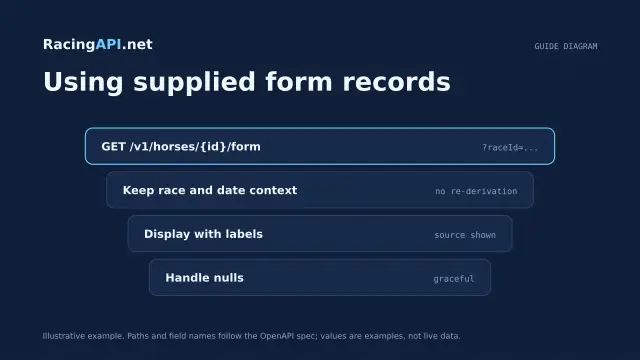 Racing data
Horse form and statistics API: using supplied records
Learn how to read RacingAPI.net horse form and statistics as supplied daily-feed summaries, with sensible handling of missing values, sample size and regional context.
 Racing data
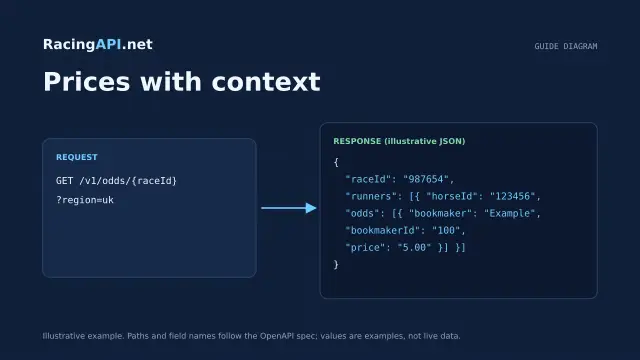
Horse racing odds API: prices with context
Learn how RacingAPI.net delivers observed horse racing odds with timestamps, price formats, missing-price handling and useful context for own-site comparison.
 Racing data
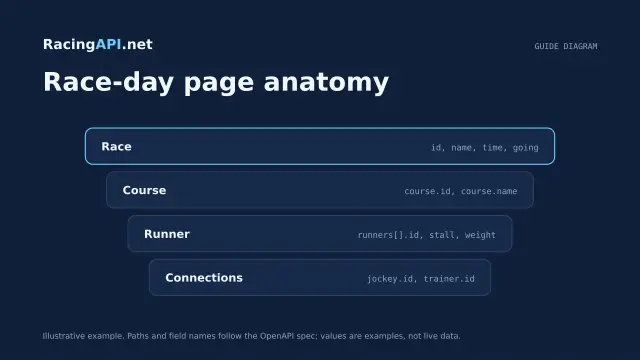
Horse racing racecards API: building a race-day page
Build a race-day page with meeting, race and runner data, careful declaration handling, and reliable detail fetching from RacingAPI.net.