Horse racing API licensing and API-key security
Practical licensing and security guidance for RacingAPI.net: own-site display, no resale, server-side X-API-Key use, rotation, revocation and safe storage.
Published 30 Oct 2026Updated 30 Oct 20266 min read
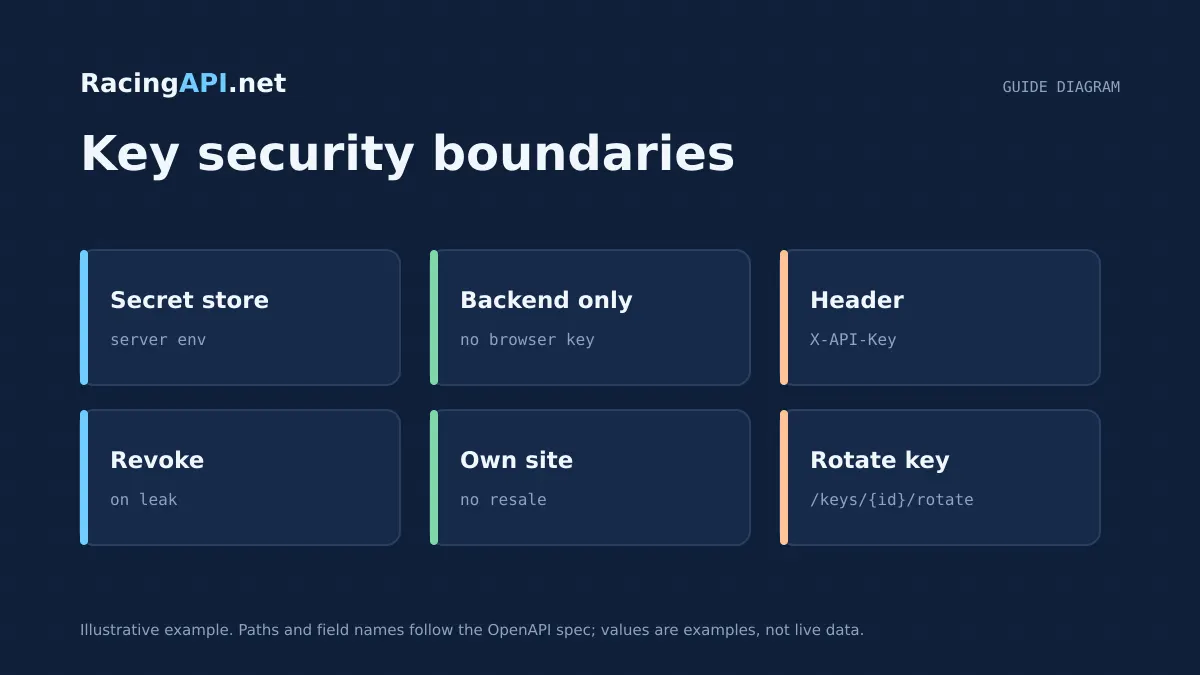
If you are building with RacingAPI.net, the two questions to answer early are simple: what can you display publicly, and how do you keep the API key out of the wrong hands. The practical rule is that your own product can use the feed for your own-site display, but you must not resell, redistribute or share access to the data feed with other developers or customers.
Security follows the same pattern. Requests go to https://racingapi.net with your X-API-Key sent server side, not from browser code, mobile apps or any other client where the secret could be exposed. Keep one key per account, treat it as a credential rather than a feature flag, and build rotation and revocation into your normal maintenance process.
Try the documented request
Start with the combined UK and Ireland racecards. Reuse returned IDs and the selected feed date for related race, result, odds and runner requests.
# Set RACINGAPI_KEY on your server; use IDs returned by the feed.
# FEED_DATE must be YYYY-MM-DD in the feed context you want.
curl --fail-with-body --max-time 15 --get \
  "https://racingapi.net/v1/racecards" \
  -H "X-API-Key: ${RACINGAPI_KEY}" \
  --data-urlencode "region=uk" \
  --data-urlencode "date=${FEED_DATE}" \
  -H "Accept: application/json"
Run this on your server, not in public browser code. Replace the environment variables before running it. Respect the response cache headers and Retry-After; do not retry failed requests without a limit.
What the licence practically allows
For most integrations, the clearest permitted use is own-site display: your application may consume RacingAPI.net data and present it on your own site or product interface. That can include racecards, results, odds, horse profiles, weather and, where enabled on the plan, Enterprise tips. The important boundary is that the data stays inside your own customer experience rather than becoming a feed you expose to unrelated third parties.
What is not permitted is feed resale or account sharing. You should not let another business, another developer or another end customer use your account as a back door into the same data. If you are building software for a client, structure it as your own implementation against your own account or the client’s own account, rather than a shared pool of credentials.
- Allowed pattern: use RacingAPI.net data inside your own product experience.
- Forbidden pattern: repackaging the feed as a standalone data service for others.
- Forbidden pattern: sharing one login or key across multiple developers or customers.
Designing for single-account use
Because account sharing is not allowed, your internal process should make one account mean one responsible owner. If you work in a team, create a clear internal rule that only approved staff can access the dashboard and the key-management area. Do not paste the key into shared chat, ticketing notes or handover documents unless your organisation has a controlled secrets system that limits access.
If you deliver software on behalf of a client, keep the client relationship separate from your own operational access. The account holder should be able to understand who can see the key, who can rotate it, and who can request revocation. This is a governance issue as much as a technical one, because a forgotten shared password can become an unauthorised distribution route.
- Assign one accountable owner for billing, key management and access requests.
- Avoid informal sharing through email threads, spreadsheets or messaging apps.
- Document who may rotate or revoke credentials before production launch.
Keep X-API-Key server side
The safest implementation is to call RacingAPI.net from your backend and let your server attach the X-API-Key header. That keeps the credential away from browser source, public JavaScript bundles and client-side logs. It also makes it easier to centralise request handling, rate-limit awareness and error handling in one place.
Do not rely on obfuscation. A key hidden in frontend code, embedded in a mobile app, or stored in a downloadable config file is still a secret that can be extracted. If your architecture needs the browser to show data, let the browser talk only to your own backend, and let your backend talk to RacingAPI.net.
- Send the key only from trusted server code.
- Never hard-code the secret into front-end assets.
- Use separate internal service credentials if multiple backend services need access.
Secure storage and secret hygiene
Store keys in a proper secrets system or encrypted environment variables, not in source control. The main risk is not only theft, but accidental disclosure through build logs, deployment previews, database backups and support exports. Any place that can be copied or searched by many people should be treated as hostile to secrets.
Logging needs the same discipline. Never log the full X-API-Key, and avoid recording request headers in verbose debug output. If you must trace authentication issues, redact the value and keep only enough context to identify the request. The same applies to screenshots and pasted error messages: remove the secret before sharing with colleagues or support.
- Keep keys out of git repositories and shared configuration files.
- Redact secrets from application logs, debug output and support bundles.
- Limit access to live secrets to people who genuinely need it.
Revoke and rotate without downtime
You should be able to rotate a key as part of routine maintenance, not only after an incident. A sensible pattern is to introduce the new key, deploy it to your backend, confirm the service is using it, and then revoke the old one. That sequence reduces the risk of an interruption while still closing the old credential promptly.
Revocation matters when staff change roles, a repository is exposed, or a secret appears in the wrong place. If there is any doubt, revoke first and restore service with a fresh key. Because usage is aggregated across keys on the account, treat rotation as a security action rather than a billing workaround.
- Rotate proactively when infrastructure changes or access is handed over.
- Revoke immediately if a key may have leaked.
- Test the new key before retiring the old one.
Account access and audit practice
A good audit trail should show who asked for a key change, when it happened and why. That does not mean storing secrets in the audit log; it means recording the administrative event around the secret. Keep ticket references, deployment notes and access approvals separate from the actual credential value.
Where practical, minimise the number of people who can view or change the key. If your team expands, review whether everyone still needs direct access to the dashboard. The smaller the trusted group, the easier it is to maintain compliance with the no-sharing rule and to respond quickly if access is compromised.
- Track administrative changes, not the secret itself.
- Review who really needs dashboard access at regular intervals.
- Separate operational notes from credential storage.
Key takeaways
- Use RacingAPI.net for own-site display, but do not resell the feed or share the account with other developers or customers.
- Keep X-API-Key server side only, store it in controlled secrets storage, and redact it from logs and support material.
- Build a simple key lifecycle: issue, monitor, rotate, and revoke quickly when staff change or exposure is suspected.
Integration checklist
0/10 completeFrequently asked questions
Can I display RacingAPI.net data on my own website?
Yes, own-site display is the normal permitted pattern. The important limitation is that you are presenting the data inside your own product, not redistributing the feed as a separate service or allowing outside parties to use your account as shared access.
Is it acceptable to share one API key with my team?
No, account sharing is forbidden. If several developers need access, keep the secret in a controlled internal secrets system and restrict who can view or rotate it. Do not circulate the key in chat, email or project documentation.
Where should I store the X-API-Key?
Store it server side in encrypted environment variables or a secrets manager, not in browser code, mobile bundles or committed files. Your backend should attach the key when calling https://racingapi.net, so the credential never reaches the public client.
What should I do if I think a key has leaked?
Revoke the key and replace it immediately. Then redeploy your backend with the new credential, check that requests are working again, and review logs, repositories and support exports to find where the old secret may have been exposed.
Does rotation reset my usage or change my quota?
No. Rotating or revoking keys is a security action, not a quota reset. Usage is tracked across your account, so you should manage keys for access control and incident response rather than as a way to alter billing or limits.
Related guides
All guides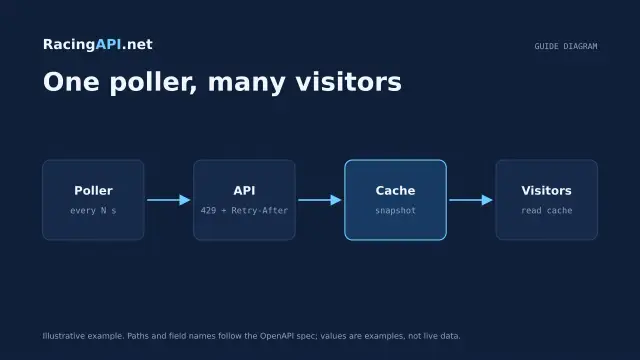 Development
Horse racing API caching and rate limits
Plan shared caching and backoff around RacingAPI.net so workers stay within one calendar-month budget and one per-second limit without noisy polling or duplicate calls.
 Development
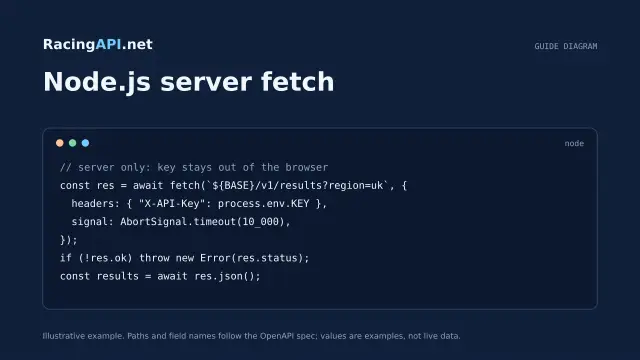
Horse racing API with JavaScript and Node.js
Build a secure Node.js horse racing API integration with server-side fetch, timeout control, schema checks and browser-safe presentation from RacingAPI.net.
 Development
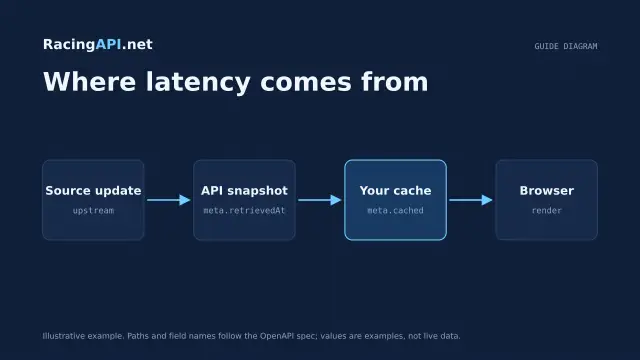
How fast is a horse racing API?
A practical guide to what “fast” means for RacingAPI.net: HTTP latency, source freshness, polling cadence, local caching and p50/p95 measurement.