Horse racing MCP: connect AI tools to RacingAPI.net
How RacingAPI.net’s Enterprise MCP server lets compatible AI clients retrieve racing tools safely, with scoped access, revocation, budgets and clear usage limits.
Published 30 Oct 2026Updated 30 Oct 20265 min read
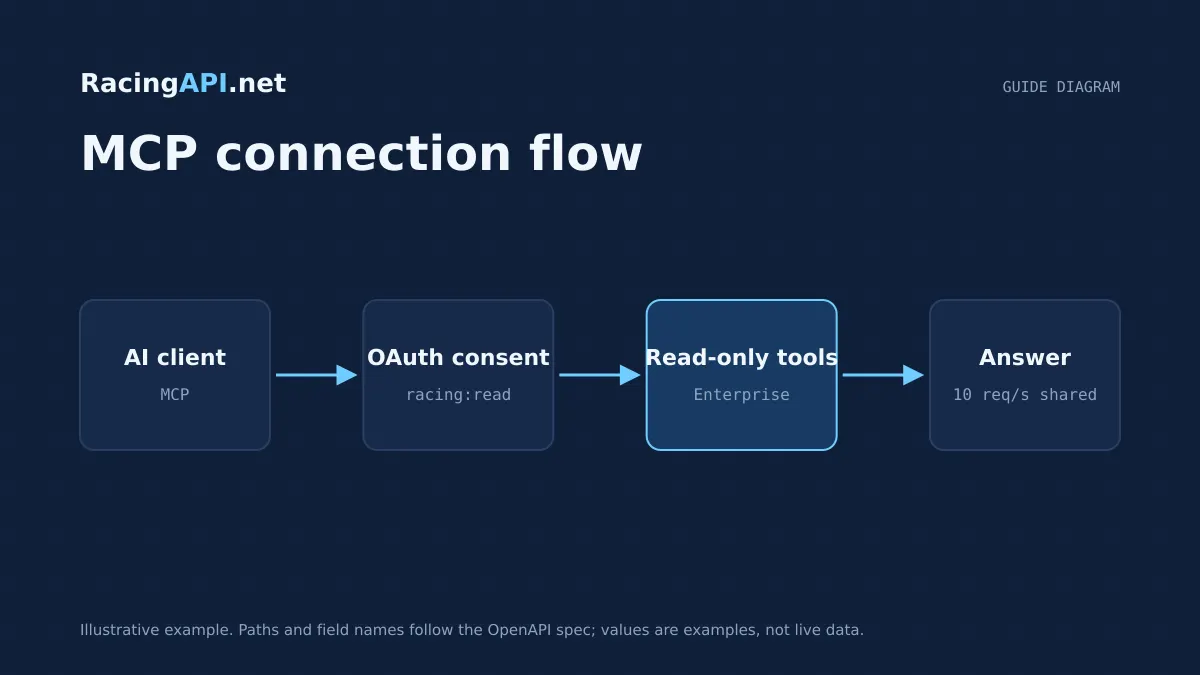
RacingAPI.net’s Enterprise MCP server is designed for read-only access to racing data through compatible AI clients. It lets an assistant retrieve published tools and return answers from RacingAPI.net, rather than inventing its own data layer or replacing your application logic.
That distinction matters. MCP is useful when you want an AI client to inspect racecards, results, odds or tip-related endpoints already exposed by RacingAPI.net, while keeping control over access, revocation and request usage. It is not a shortcut to unlimited AI calls, and it is not a support chat channel.
Try the documented request
Start with the combined UK and Ireland racecards. Reuse returned IDs and the selected feed date for related race, result, odds and runner requests.
# Set RACINGAPI_KEY on your server; use IDs returned by the feed.
# FEED_DATE must be YYYY-MM-DD in the feed context you want.
curl --fail-with-body --max-time 15 --get \
  "https://racingapi.net/v1/racecards" \
  -H "X-API-Key: ${RACINGAPI_KEY}" \
  --data-urlencode "region=uk" \
  --data-urlencode "date=${FEED_DATE}" \
  -H "Accept: application/json"
Run this on your server, not in public browser code. Replace the environment variables before running it. Respect the response cache headers and Retry-After; do not retry failed requests without a limit.
What Enterprise MCP is for
The Enterprise MCP server exists so compatible AI clients can discover and use RacingAPI.net tools in a structured way. In practice, that means the client can request racing data through the same account you already manage in the dashboard, instead of scraping pages or hard-coding ad hoc prompts.
Use it when you want an assistant to fetch live race information, compare published fields or explain what a tool returned. The value is in retrieval: the model can call the right RacingAPI.net endpoint, then summarise the response in plain language for your workflow.
- Read-only tool access, not write access
- Designed for compatible AI clients that understand MCP
- Useful for structured retrieval from published RacingAPI.net endpoints
Tool retrieval is not support chat
An MCP client should be treated as a consumer of tools, not as a replacement for product support. It can retrieve data, report a field, or explain a race selection that already exists, but it should not be relied on to answer account, billing or access questions as if it were a human support agent.
This boundary keeps behaviour predictable. If a tool is unavailable, if your access has lapsed, or if a request is outside the published RacingAPI.net scope, the client should surface that clearly rather than guessing. For developer work, the safer pattern is to have the assistant call tools only when the response comes from RacingAPI.net itself.
- Use MCP for data retrieval, not customer-service workflows
- Do not treat model-generated advice as an authoritative account answer
- If a tool is unavailable, surface the actual access state instead of improvising
Scoped access, keys and revocation
MCP access follows the same account-controlled model as the rest of RacingAPI.net. Customers create and manage their own keys, and the key remains server-side. In a compatible client, access is granted through explicit OAuth consent or an API-key header in supported developer clients, which keeps the authorisation boundary clear.
This is important operationally because revocation should be immediate and practical. If a key is rotated or removed in the dashboard, the client should stop being able to call RacingAPI.net. That makes MCP suitable for controlled deployments where you want to grant access to a specific assistant, then withdraw it without changing your whole integration.
- Customer keys are created and managed by the customer
- Key material remains server-side rather than being handed out as a provider secret
- Revocation and rotation should be handled centrally in the account you control
Tool budget, quotas and rate limits
MCP calls count against your Enterprise usage model. Enterprise includes unlimited monthly requests, but that does not mean unlimited requests per second. The documented rate limit is 10 requests per second, and MCP feed calls share that same ceiling.
Treat the AI client as a consumer that needs a budget. If you allow an agent to ask for race data repeatedly, it can consume that budget quickly even when each individual call is read-only. For stable operation, design the assistant to ask once, reuse retrieved data where appropriate, and avoid repeated polling unless the workflow genuinely needs it.
- Enterprise: unlimited monthly requests
- Enterprise: 10 requests per second
- MCP calls share the Enterprise rate limit
Client compatibility and setup expectations
MCP works only in clients that can speak the protocol and support the authorisation flow you choose. RacingAPI.net provides a read-only MCP server for compatible AI clients, but the client itself still needs to support connecting to that server in a reliable way.
In the dashboard, use the Connect AI flow, then follow the MCP guide. The practical goal is simple: the client should be able to discover available tools, call them with the right context, and return their results without exposing credentials in the prompt or pretending unsupported clients are compatible.
- Enterprise only
- Read-only MCP server for compatible AI clients
- Follow the dashboard connection flow and the MCP guide
What not to assume about AI calls
Do not assume MCP gives you extra response speed, unlimited concurrency, or a guarantee that every AI call will succeed. Source cadence, network response time and model response time are different things, and RacingAPI.net does not promise a millisecond update interval or an uptime SLA.
Likewise, do not treat the AI layer as validated trading or prediction logic. The point of the Enterprise MCP server is controlled retrieval from RacingAPI.net tools, with live tips and saved explanations where enabled, not a promise of perfect answers, guaranteed outcomes or free-form autonomous betting advice.
- No promise of unlimited AI calls beyond the published Enterprise rate limit
- No guaranteed real-time update interval or uptime SLA
- Retrieval is not the same as validated prediction
Key takeaways
- Enterprise MCP is for read-only retrieval from RacingAPI.net, not for support chat or write operations.
- Access should be scoped, server-side and revocable so a lost or retired key can be removed immediately.
- Enterprise gives unlimited monthly requests, but MCP still follows the 10 requests per second rate limit.
Integration checklist
0/10 completeFrequently asked questions
Is the Enterprise MCP server read-only?
Yes. It is intended for tool retrieval from RacingAPI.net, not for writing data back or changing account state. That makes it suitable for AI clients that need structured access to racing endpoints while keeping the integration boundary clear and auditable.
Can I use MCP like a support chat for billing or account issues?
No. MCP is for retrieving published tools and their responses. Billing, subscription and access administration still belong in your RacingAPI.net account workflow. If a client is asked about those topics, it should not invent an answer or present itself as support.
What happens if I revoke or rotate the API key?
Once a key is revoked or rotated, the client should stop being able to call RacingAPI.net with that credential. That is the main operational advantage of keeping the key server-side: access can be removed centrally without changing the rest of your application design.
Does Enterprise MCP mean unlimited AI requests at any speed?
No. Enterprise includes unlimited monthly requests, but the rate limit is still 10 requests per second. MCP feed calls share that limit, so you should budget usage in the client and avoid repeated polling or unnecessary tool calls.
Sources and references
External references for background only; they do not endorse RacingAPI.net.
Related guides
All guides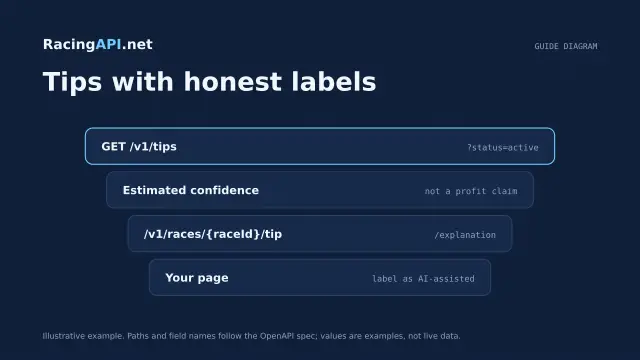 AI & integrations
AI horse racing tips API: selections for your website
Build a website layer around Enterprise saved horse racing selections, with odds, confidence, EV, bet type and two-sentence explanations.
 Getting started
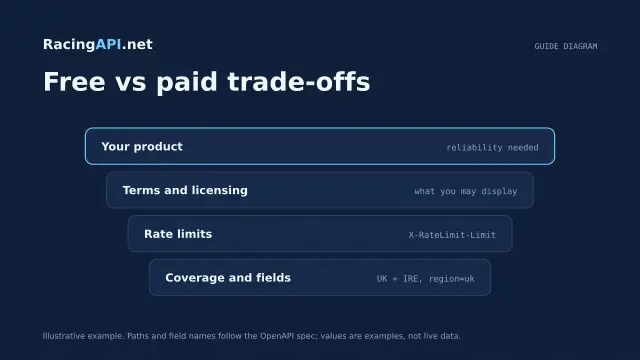
Free horse racing API: what developers should know
Learn how RacingAPI.net’s seven-day card-required trial works, what “free” really means, and how to judge an integration before your monthly plan renews.
 Racing data
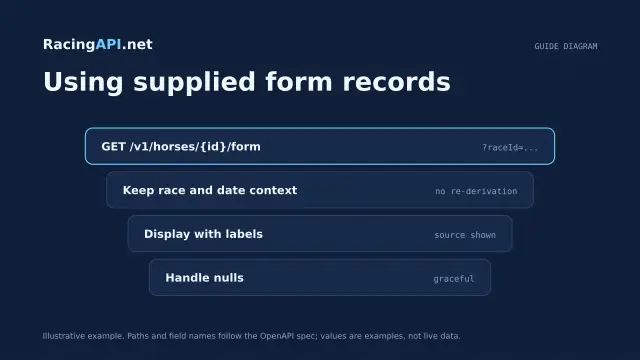
Horse form and statistics API: using supplied records
Learn how to read RacingAPI.net horse form and statistics as supplied daily-feed summaries, with sensible handling of missing values, sample size and regional context.